Main interface overview
When you sign in to Rune, you land on the home dashboard. The left sidebar is the primary way to move between Files, Catalog, Users, Organizations, and the rest of the product. The top bar has global search (Ask me anything…, shortcut ⌘K), theme toggle, notifications, and your profile menu.
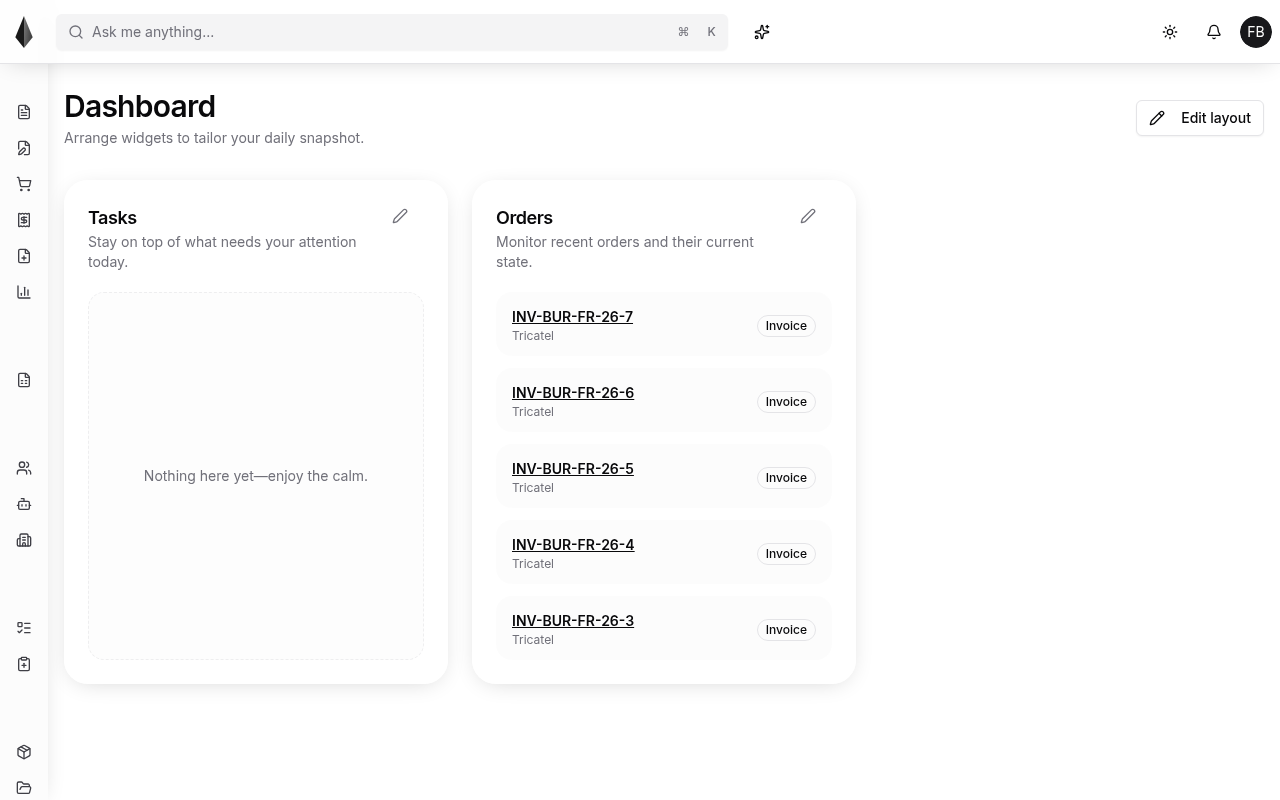
From here you can:
- Open sections from the sidebar
- Jump with search (⌘K)
- Customize the home layout with Edit layout (Tasks and Orders widgets in the shot)
On smaller screens, navigation collapses into a mobile layout:
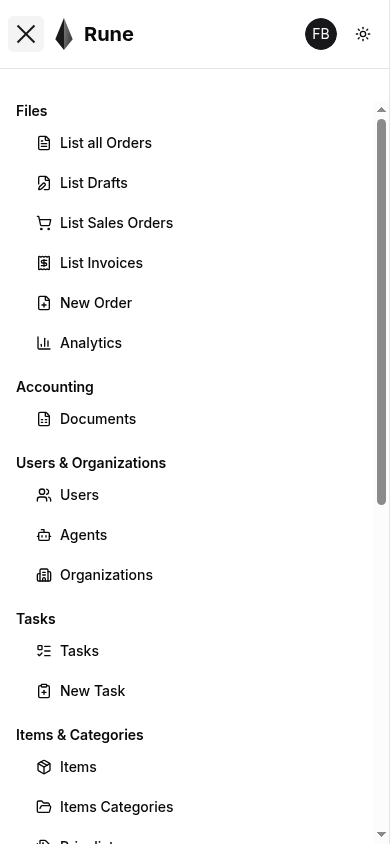
Use this tutorial section by section, or jump from the docs sidebar to the topic you need.